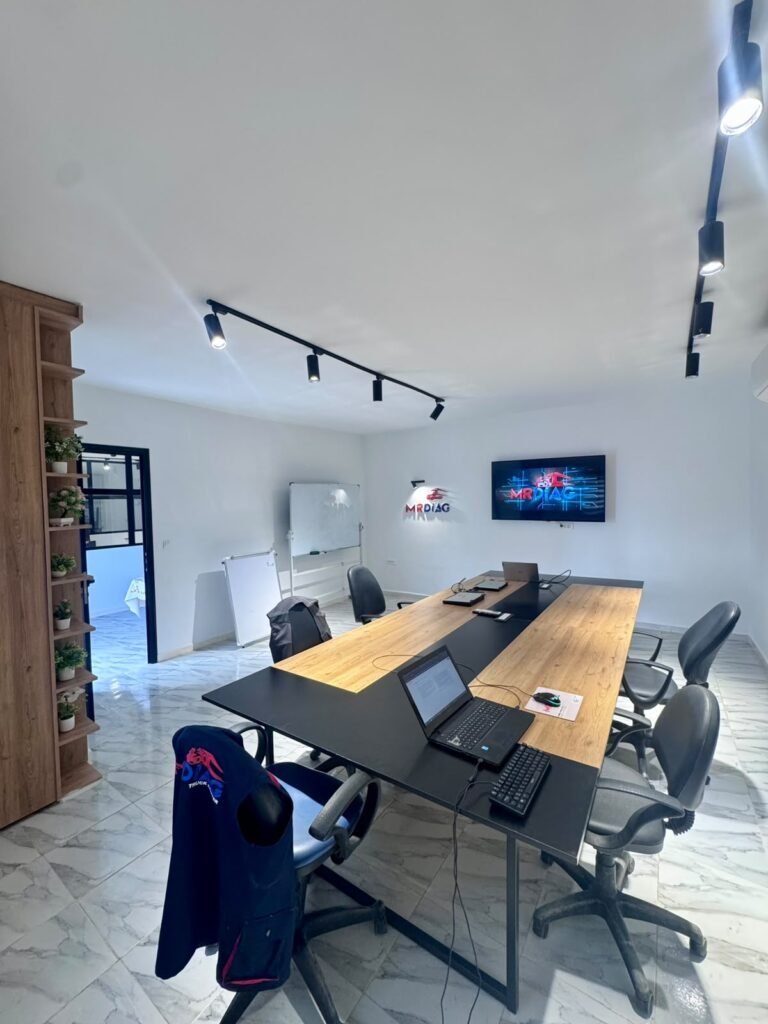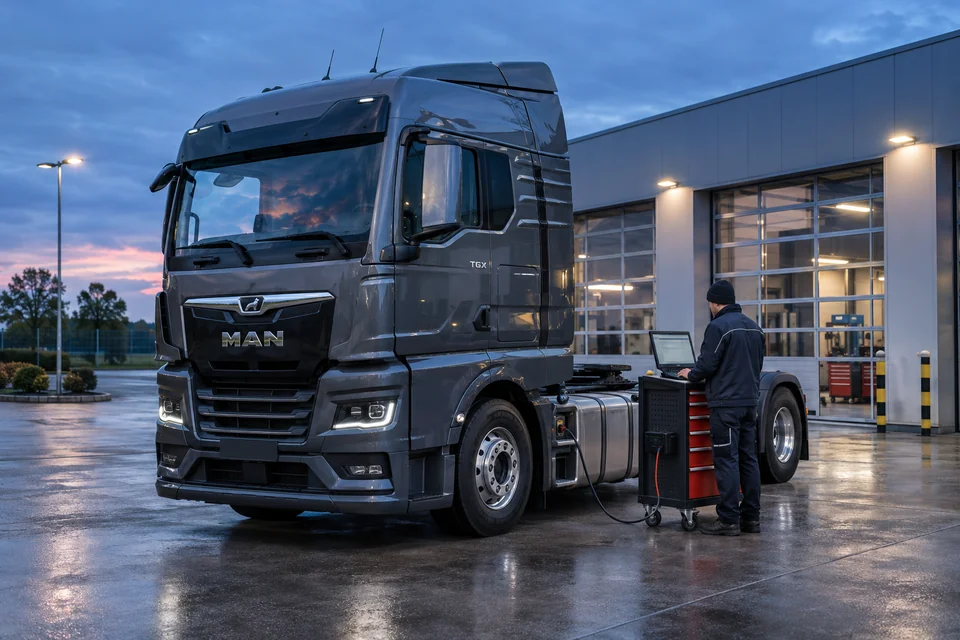
Illustrative heavy-duty diagnostic scene.
MrDiag Center provides remote assistance for heavy-duty truck diagnostics and ECU programming enquiries. We start by reviewing the vehicle, control unit and requested operation with the workshop.
Remote assistance is most useful when the workshop and the person reviewing the job share clear, accurate information. Fault-code reports, vehicle details and ECU identification help establish what can be assessed remotely and what needs further work beside the vehicle.
MrDiag Center handles heavy-duty truck diagnostics and ECU programming enquiries. This article explains how to prepare a request and define the scope of an assessment.
Describe the vehicle and the problem
Start with the make, model, year and the system involved. Include the ECU identification available from your diagnostic report, together with the current symptoms and warning messages. Explain when the fault occurs and which checks or repairs have already been carried out.
Volvo, Renault, MAN, Scania, IVECO, Cummins and other applications can have different control units and access requirements. The exact vehicle and ECU information is more useful than a brand name alone.
Prepare the diagnostic evidence
- Active and stored fault codes, with their descriptions and the reporting control unit.
- Relevant diagnostic reports and live-data records, including the conditions under which they were captured.
- ECU hardware and software identification, where available.
- A summary of previous repairs, component changes and tests.
- The interface, cables, laptop and software currently available at the workshop.
For AdBlue, SCR, DPF and EGR concerns, this information supports diagnosis of the emissions system and helps identify the next inspection, repair or testing requirement. Describe the symptoms and findings clearly so that the assessment follows the actual fault.
Agree what the remote session will cover
A remote review can help interpret reports, examine the information supplied and discuss the next diagnostic checks. Physical inspection, wiring repairs, component replacement and hands-on workshop tests need someone with the vehicle.
Set out the requested assistance in writing. Confirm who will operate the equipment, how the remote connection will be arranged, what information will be reviewed and which tasks remain with the workshop. Agree how the findings and any further requirements will be communicated.
Assess programming requirements separately
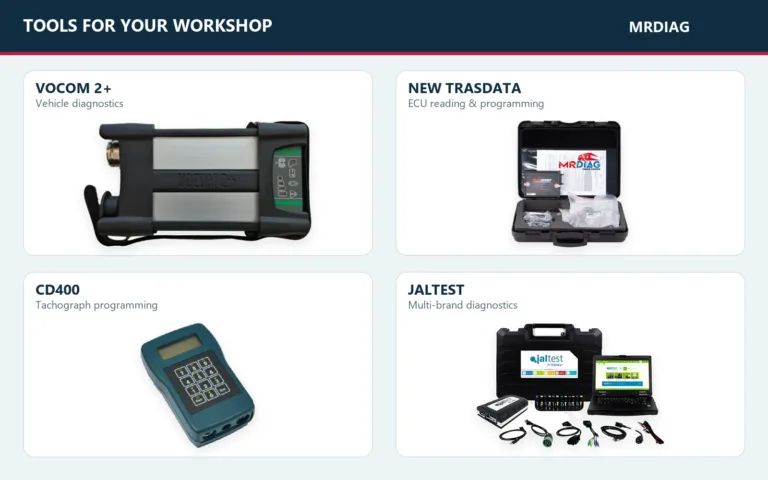
An ECU programming request needs its own compatibility and job-scope assessment. A diagnostic interface connects compatible software with the vehicle; a programmer such as New Trasdata serves supported control-unit programming workflows. Confirm the exact operation and the tools, protocols and connections it requires.
Check which software access, licences, accounts, hardware and cables are needed, and which party provides them. Our VOCOM equipment guide and truck diagnostic setup guide can help you describe your existing equipment.
The assessment should also cover a compatible laptop, a stable internet connection and the vehicle or ECU power conditions specified for the actual workflow. These requirements should be confirmed before any programming work is agreed.
Request an assessment with a defined scope
Send your vehicle and ECU details, fault reports, available equipment and the result you are requesting. MrDiag can review the enquiry and clarify the proposed scope, compatibility checks and any further information needed for a quotation.
Prepare your remote-assistance quotation request, contact MrDiag Center or start a WhatsApp enquiry. A clear request gives both sides a practical basis for deciding the next step.